Quick Summary:
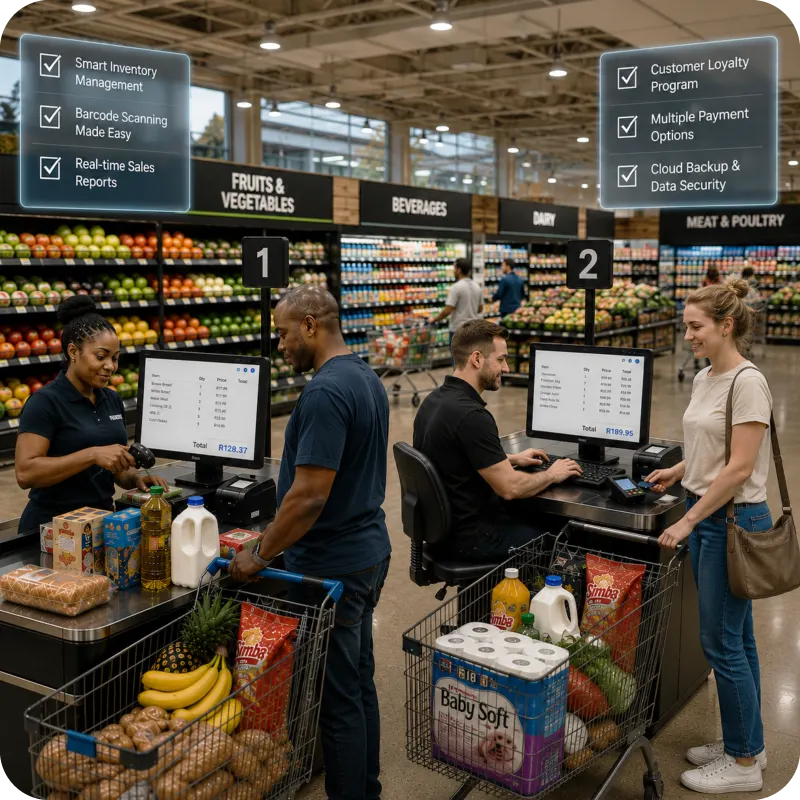
Supermarket POS pricing in South Africa can begin near R500 per month for entry-level software. A working supermarket setup also needs suitable hardware, payment processing, installation, training and support. Stores with several tills or branches usually receive a tailored quote.
This blog will help you understand the following:
- Set a realistic budget for a small, medium or multi-branch supermarket.
- Understand which hardware, features and services change the final price.
- Compare cloud, on-premise and hybrid POS quotes fairly.
- Check the value included in a Vasy setup beyond the licence fee.
A low monthly figure can become expensive once scanners, scales, extra till licences and payment costs are added. A higher quote may already include inventory, accounting, branch control, migration and support.
Supermarket POS software pricing should therefore be assessed as a complete operating cost. The useful figure is what your store will spend to bill customers, update stock, manage VAT, reconcile payments and keep the system working each day.
How Much Does a Supermarket POS System Cost in South Africa?
There is no single national tariff. Public South African plans show software from around R499 per POS per month. Other packages range from R660 to R1,795 monthly, excluding VAT, and extra registers may cost around R295. One all-in-one terminal is listed at R7,499 before its monthly fee.
The estimates below use these public prices and the way per-till and per-location charges scale. They are planning ranges rather than fixed market rates.
|
Supermarket Profile |
Indicative Software Budget |
Setup Expectation |
|
Small store, one or two tills |
R500–R2,000 per month |
Terminal from about R7,500, with peripherals extra |
|
Medium store, three to eight tills or a few branches |
R2,000–R8,000 per month |
Several terminals, migration and implementation |
|
Large chain or enterprise operation |
Custom quote |
Tailored hardware, rollout and support project |
Typical Price Range for Small Supermarkets
A neighbourhood store may begin with barcode billing, stock control, VAT-ready receipts, user access and daily reports. Supermarket POS pricing can stay near the lower end when the store has one till and can reuse suitable devices.
A dedicated terminal may start near R7,500, but a counter can also need a scanner, printer, cash drawer, scale connection, card device and backup power. Product import, training and receipt setup may be separate charges.
Pricing for Medium-Sized Supermarkets
A busier store needs several counters, more product records, purchase management and deeper inventory reporting. A second branch also brings central prices, stock transfers and outlet-level reports.
POS software pricing can then move into several thousand rand per month. Implementation rises because each till must be tested, product data must be cleaned and staff need role-based training.
Enterprise POS Pricing for Large Retail Chains
Enterprise point of sale pricing is normally based on branches, tills, users, modules and integrations. The quote may include central data, rollout management, migration, training and service commitments.
Compare the total annual cost. A low licence can be offset by separate charges for each branch, interface, report or support request. Chains managing multiple branches, tills and modules often find it more cost-effective to run a unified ERP software platform that consolidates POS, inventory and finance under a single licence.
What Determines the Cost of a Supermarket POS System?
Point-of-sale pricing reflects the work the system must perform. Two stores with similar sales can receive different quotes because one has a single till, while the other has weighted goods, branches and online orders.
Number of Checkout Counters
Some providers include one register and charge separately for each additional till. Stores with several active counters may also need more licences, devices and payment connections.
Count the counters opened during month-end and promotions, rather than only those used on a quiet weekday.
Number of Stores and Branches
A second location adds central product records, price controls, transfers, branch reports and manager permissions. Ask how warehouses, temporary outlets and future branches are billed.
Cloud vs. On-Premise POS
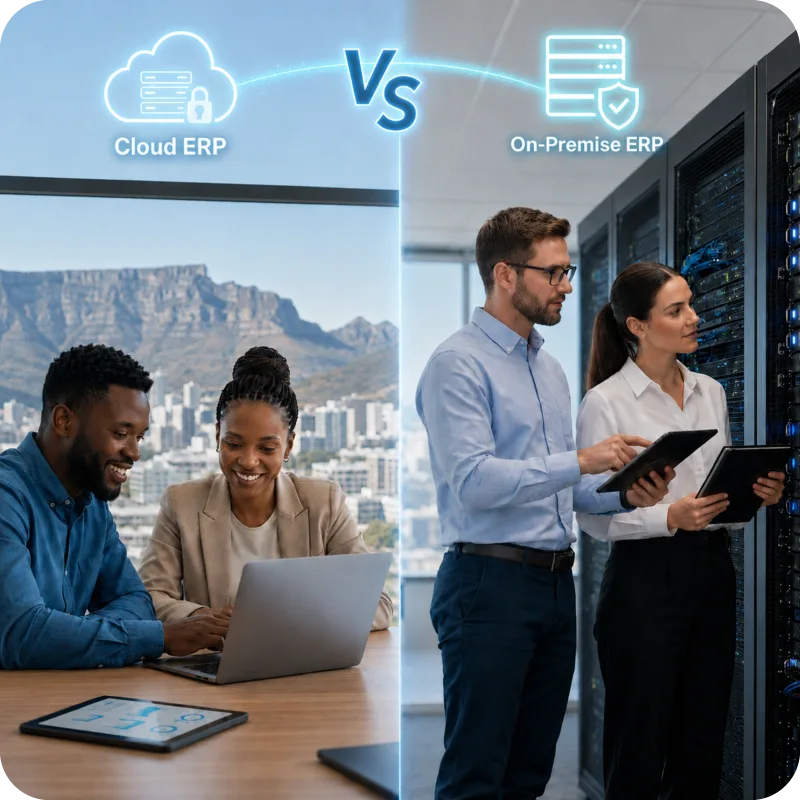
Cloud supermarket POS software usually replaces a large server purchase with a subscription. On-premise software can involve server hardware, local backups and technical maintenance. A hybrid setup keeps checkout activity local and synchronises data with the cloud.
Hardware Requirements
Each counter may require a terminal, scanner, printer, cash drawer and payment device. Scales, customer displays and backup power can increase the upfront cost.
The price also changes when a store reuses compatible equipment instead of purchasing a completely new setup.
Software Features
Entry plans may cover sales and simple stock. Supermarkets can also need expiry tracking, purchase orders, promotions, loyalty, stock ageing, margins and multi-unit inventory.
Advanced features may be included in a higher package or added as separate modules.
User Licenses and Staff Access
Some providers charge per user, while others restrict outlets or registers. Confirm access for cashiers, supervisors, buyers, stock teams and accounts staff.
Role-based permissions are also important when only selected employees should be allowed to change prices, approve discounts or access financial reports.
Integrations with Accounting and Payment Systems
Accounting sync, online orders, delivery tools, loyalty platforms and payment connections may have setup or monthly charges. Card processing fees should sit on a separate line.
A clear quote should separate software, hardware and payment-processing costs so that different providers can be assessed on the same basis. This will help you select the best POS software for your supermarket.
How to Choose the Right POS System for Your Supermarket
Start with your store workflow. Record how products are ordered, received, priced, sold, returned, transferred and counted. Ask each provider to demonstrate those activities rather than using a basic sample catalogue.
Use one test basket with a barcode item, weighed produce, a multipack, a promotion and a return. Pay with two methods, then check the stock, VAT, payment and cash-up records.
Compare four areas:
- Core Fit: Barcode and scale billing, returns, stock updates and closing reports
- Control: Permissions, price approvals, transfers, negative-stock rules and audit trails
- Continuity: Offline billing, automatic sync, backups and device replacement
- Growth: Extra tills, branches, warehouses, online sales and added modules
Ask what the displayed price excludes. Migration, catalogue setup, customised reports, on-site training and after-hours support can appear later. This is where POS software pricing that looked similar can produce very different totals.
Security also belongs in the quote. Customer details, staff access and sales data need controlled permissions, approved devices, backups and audit trails.
Why South African Supermarkets are Choosing Cloud POS Systems
Cloud systems give owners access to sales, stock and branch data without relying on one back-office computer. They can also simplify software updates and data synchronisation across several locations.
Central Control Across Stores
As the business grows, central access becomes more useful. Prices, promotions and product records can be managed in one place, which helps prevent conflicting information across branches.
Owners and managers can also review sales and stock data from different locations without waiting for separate reports from each store.
Compare the Full Ownership Cost
Cloud POS is not automatically the cheapest option. The subscription continues over time, and the store still needs terminals, scanners, printers, networking and backup power.
Point-of-sale pricing should, therefore, compare the three-year cost of cloud, on-premise and hybrid systems. The calculation should include:
- Software subscriptions or licence fees
- Hardware and installation
- Maintenance and support
- Networking and backup power
Prepare for Connectivity Problems
South African supermarkets should still have a practical continuity plan. Test what happens during internet loss, router restarts and power interruptions before the system goes live.
How Vasy Delivers Value Beyond the Price
An inexpensive system offers little value if staff still update stock manually or combine branch reports in spreadsheets. Vasy connects checkout with inventory, purchasing, payments, accounting and reporting, covering a broader part of daily supermarket work.
Built for South African Retailers
Vasy supports South African Rand, VAT-ready billing and the daily processes used by supermarkets and multi-location retailers. Onboarding and staff training help stores move from older systems or spreadsheet-led processes with less disruption.
Advanced Inventory and Stock Control
Vasy supports barcode and weight-based billing, multi-unit stock visibility, stock ageing, sales movement reports and negative-stock controls.
It also supports automatic batch-price updates for single-batch products, controls over sensitive price changes, active-batch margin reporting and simultaneous price updates for several variants. Managers gain better margin visibility without giving every employee access to pricing controls.
Multi-unit stock visibility and batch-price control are easier to sustain when checkout is connected to dedicated inventory management software built for retail operations.
Multi-Branch Supermarket Management
Stores can manage product information, stock movement and reporting centrally. The main outlet can control transfer destinations, while VAT-based transfers can create the relevant documents between outlets.
Financial reports can be filtered by company or location, reducing the need to combine branch figures manually.
Offline POS for Uninterrupted Billing
Offline billing helps checkout continue during internet interruptions. Transactions synchronise later, while the desktop POS adds local stability with automatic cloud sync.
The billing flow also supports several payment methods, promotions, loyalty, coupon discounts and bill-level discounts. mPOS and digital invoices add flexibility during busy periods.
Integrated Accounting and Reporting
Bank reconciliation can match ERP transactions with bank statements and flag unmatched entries. Profit and loss, balance sheet and trial balance reports can be viewed by outlet or across the company.
Migration support can bring purchase and sales transactions, debit notes, credit notes, receipts and payments from previous software into the new setup.
Pairing checkout with integrated accounting software keeps bank reconciliation, VAT filing and financial reporting synced automatically with daily sales data.
Scalable Pricing That Grows with Your Business
A single outlet may begin with POS, inventory management and basic reports. Later, it can add branches, permissions, loyalty, e-commerce connections and deeper accounting controls.
This keeps supermarket POS pricing connected to current needs. The first phase can focus on checkout and stock accuracy, with added modules introduced after the core setup is stable.
Frequently Asked Questions for Supermarket POS Pricing
A small supermarket can expect to pay around R500–R2,000 per month for POS software, with hardware and implementation charged separately. Medium-sized and multi-branch businesses often pay several thousand rand per month, while large retail chains typically receive custom pricing.
Cloud POS generally requires a lower upfront investment because there is no need for dedicated servers. However, it involves ongoing subscription fees. On-premise POS usually has higher initial hardware, backup, and maintenance costs, so comparing the total cost over several years is recommended.
Not always. Many advertised POS plans include only the software. Before purchasing, confirm whether the price covers hardware such as POS terminals, barcode scanners, receipt printers, cash drawers, weighing scale integration, card payment devices, installation, warranty, backup power, and replacement services.
Yes, provided the POS system supports offline or local billing. Before going live, businesses should test sales, payments, returns, system restarts, and data synchronisation to ensure operations continue smoothly during internet disruptions.
Prioritise fast barcode and scale billing, VAT-ready records, automatic stock updates, returns processing, payment reconciliation, user permissions, and daily reporting. Depending on your business, features such as expiry tracking, multi-unit inventory, branch transfers, loyalty programmes, and third-party integrations may also be important.
Last Updated on August 5, 2026